Install and set up
From the installer to a working app — one window, three or four questions.
Install
Open the disk image and drag jhint to Applications, then open it from there. jhint has no window of its own until a call starts: it lives in the menu bar, and the setup window opens by itself the first time you launch it.
Run the installer and follow it through. It installs into your own user folder and never asks for administrator rights. jhint has no window of its own until a call starts: it sits in the notification area, by the clock, and the setup window opens by itself the first time you launch it.
Windows will warn you about this file
Your browser flags the download as uncommon, and when you run it Windows blocks it with a blue full-screen warning from Microsoft Defender SmartScreen. Open the extra details the warning offers — that reveals the button that runs the installer anyway. The exact wording depends on the language your Windows is set to, so we describe the step rather than quote it.
This is not a virus warning. It means the file is not signed with a code-signing certificate, so Windows has no publisher name to show you and no reputation for this file yet. Reputation is built per file, so a new version of jhint can be flagged again even after the previous one stopped being.
Why we ship it unsigned. A certificate is a recurring cost, and until enough people are running jhint on Windows we would rather spend that on the product than on a signature. We are not asking you to take our word for it — check the file instead:
Every release publishes the SHA-256 of the exact file on the download page. Compare it with the file you have, in PowerShell:
Get-FileHash .\jhint-app-win-Setup.exe -Algorithm SHA256If the two match, the file is byte-for-byte the one we published. If they don’t, delete it and download again from jhint.ai — and write to support@jhint.ai, because we want to know.
When jhint is signed, this page changes and the warning goes away by itself.
Let it hear the call
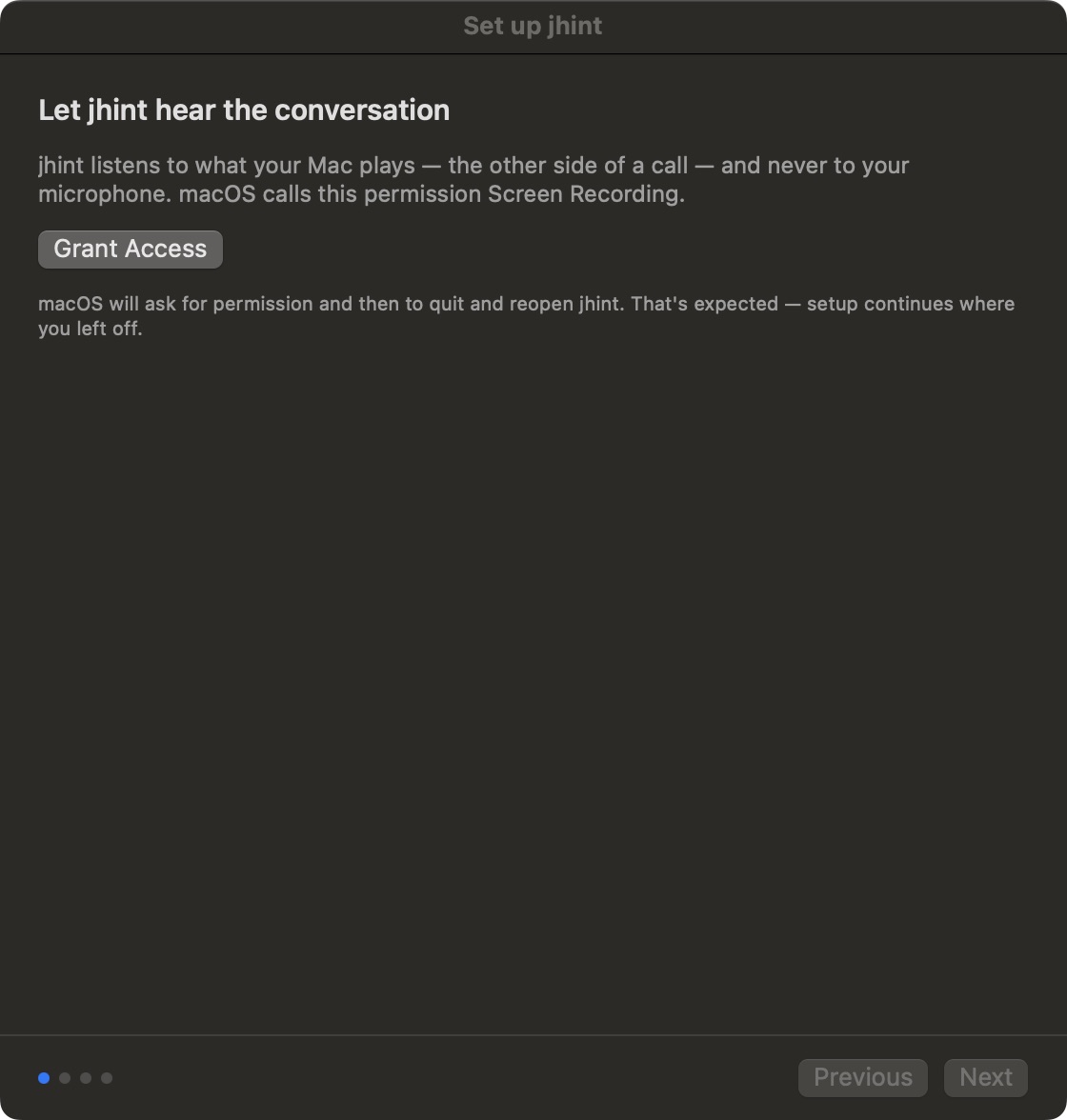
jhint listens to the audio your computer is playing — the other side of a call. Your microphone is never used.
macOS calls that permission Screen Recording, and it is the only permission the app asks for. After you grant it, macOS asks to quit and reopen jhint. That is normal: the permission takes effect for a process that starts after it was given. Setup continues from the step it stopped at, and because nothing has downloaded yet, nothing is lost.
Windows needs no permission for this, and jhint does not ask for one. It captures what your computer is playing, the same audio you hear, and the microphone is never touched.
Enter your licence key
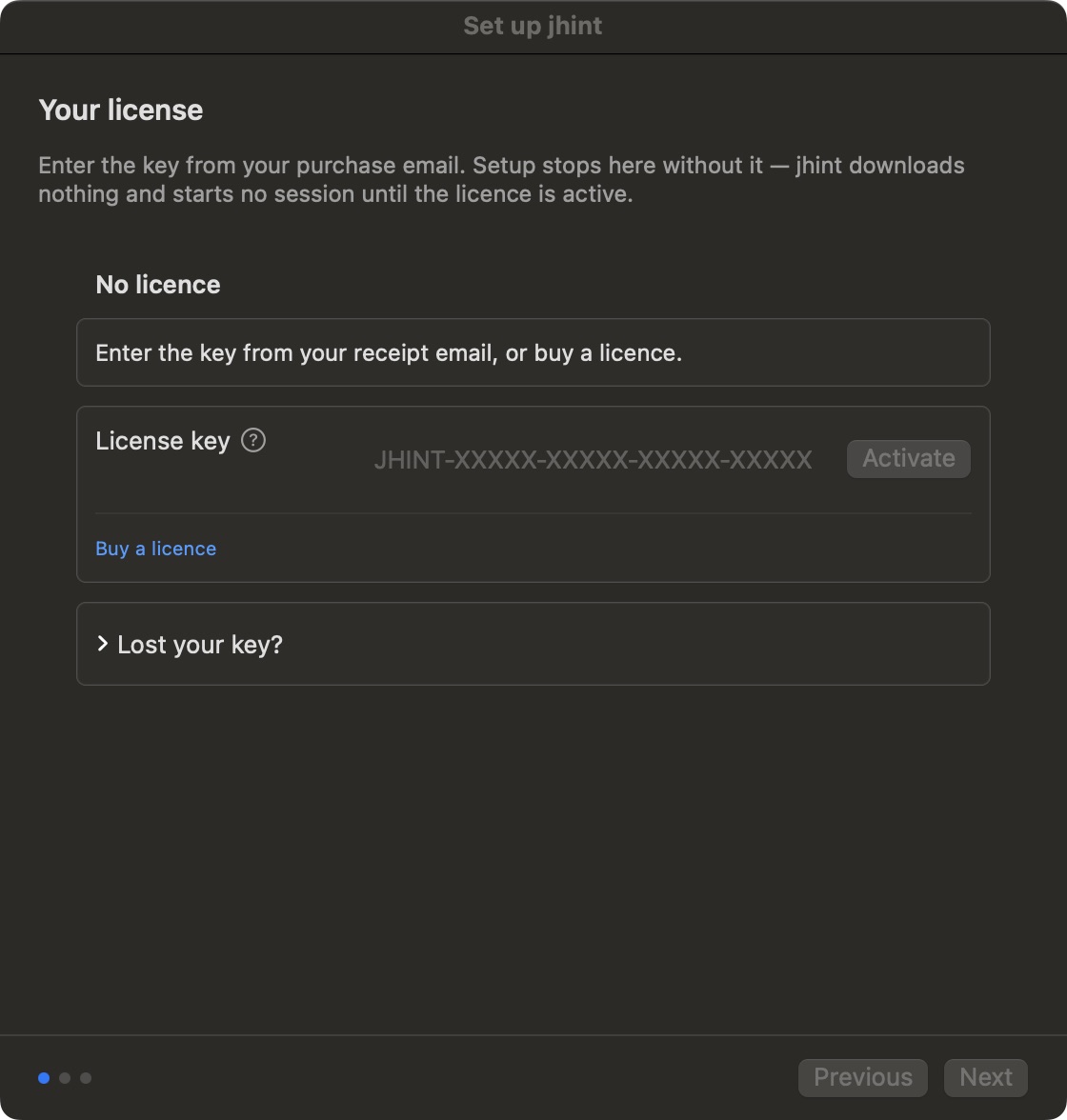
Paste the key from your purchase email and press Activate.
This step comes second on purpose. Your licence says which plan you are on, and the plan decides what the app may do — so nothing downloads and no session starts until the key is accepted. Setup will not go past this step, and the window has no close button: there is nothing useful behind it to reach.
Lost your key? asks for the email address you bought with and sends the key there again.
Setup on Windows doesn’t ask for the key — it is three steps long: the speech model, the answer model, and the last screen. You enter the key later, either from the window over the call (Enter license key) or in Settings → License, and the app is licensed from that moment on. Everything above about what the key decides still holds — only the place where you type it is different.
Choose how it answers — Pro only
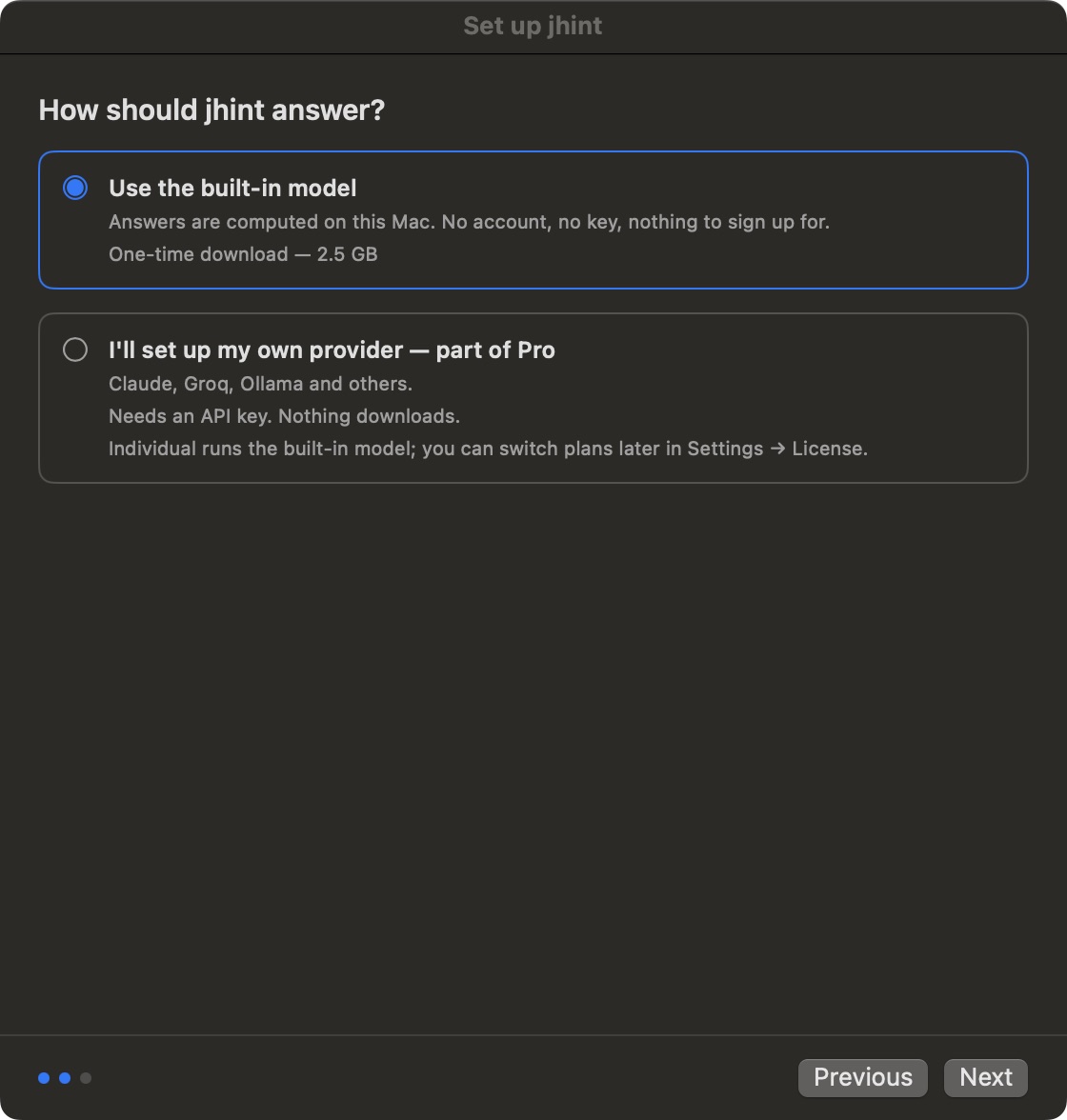
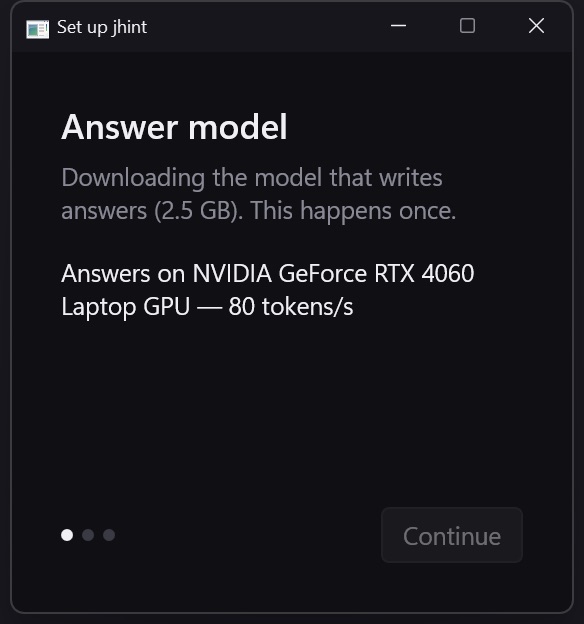
On Individual this step doesn’t appear. That plan runs the built-in model, the download starts by itself as soon as the key is accepted, and setup goes straight to the last screen.
On Pro you pick one of two, and you can change your mind later in Settings:
- The built-in model — runs on this computer. No account, no API key, nothing to sign up for. One download of about 2.5 GB.
- Your own provider — Anthropic, OpenAI, Google, Groq, OpenRouter, any OpenAI-compatible endpoint, or a model you run yourself in Ollama or LM Studio. You paste your key; it goes to the secure storage of your operating system. Nothing downloads.
How jhint answers compares the two in detail, and Plans lists what each plan includes.
On a machine without a discrete graphics card the built-in model is not offered, and this step shows your own provider only. That is deliberate: without a card the model writes slower than a conversation moves, and an answer that arrives after the moment has passed is worse than no answer. Requirements has the measurements behind that line.
You’re set
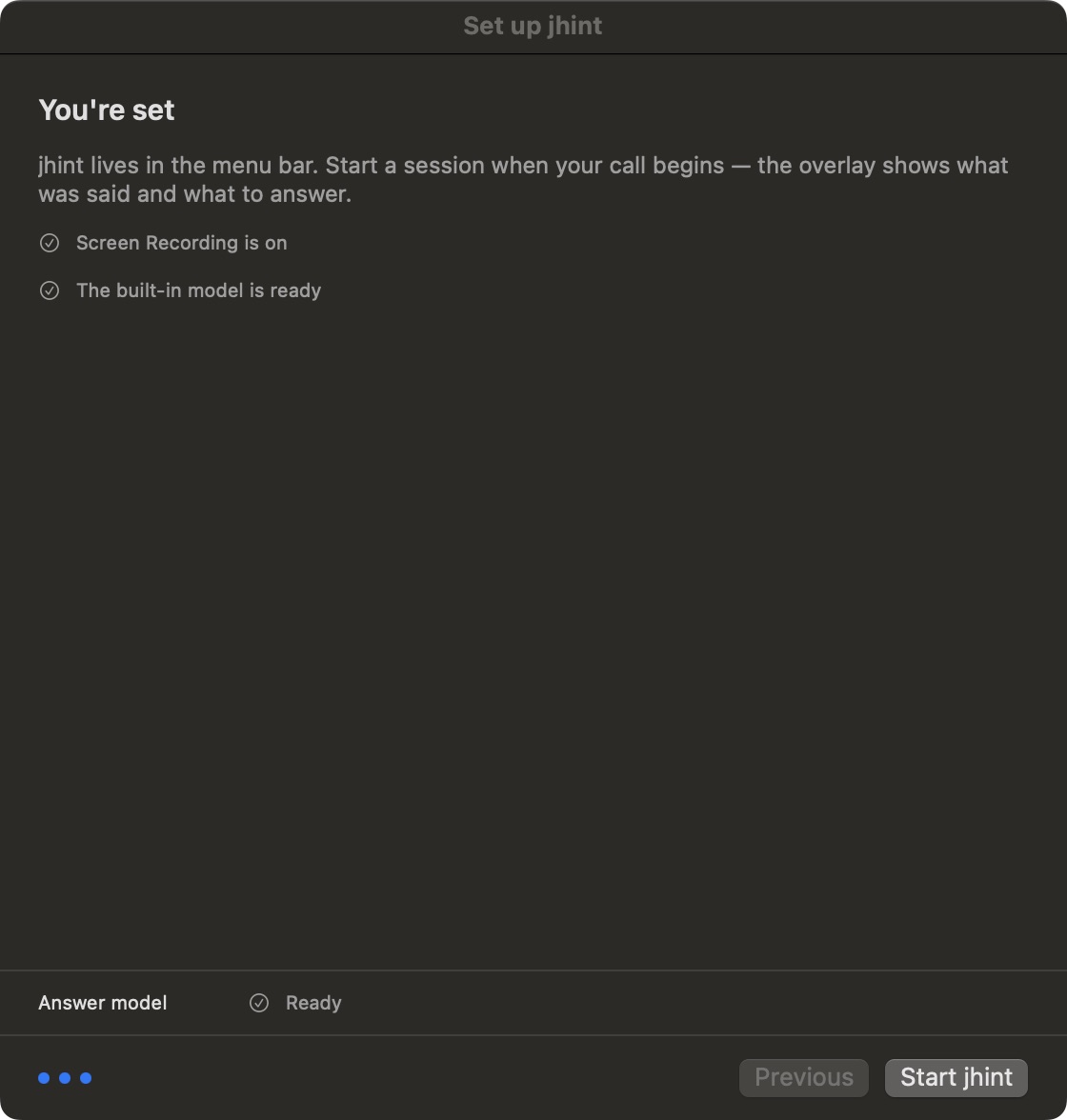
Press Start jhint. The app goes to the menu bar and stays out of the way until you start a session — see Start a session.
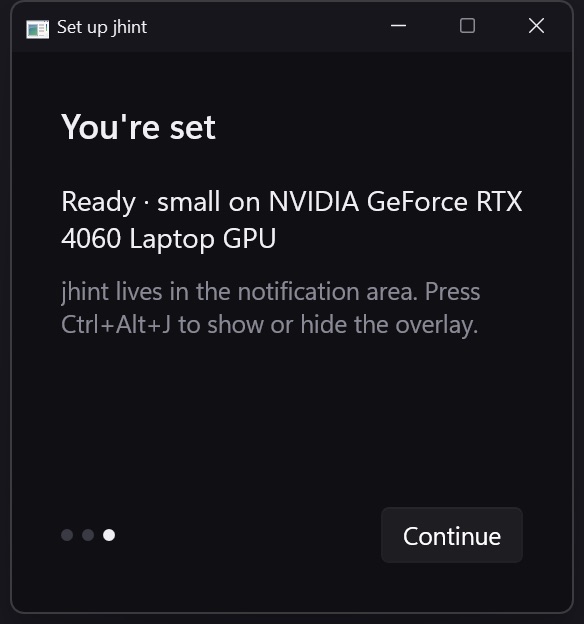
Press Start jhint. The app goes to the notification area and stays out of the way until you start a session — see Start a session.
Two models are fetched, and the strip along the bottom of the window shows both: Speech model — the one that turns speech into text, needed whichever way you answer — and Answer model, the built-in model itself. The speech model finishes first; the answer model is the long one. Both keep going while you carry on with setup, and they survive the window being closed at the end.