Speech recognition
The model that turns speech into text, and what to change when it mishears.
Recognition runs on your computer in every configuration, including when answers come from an external provider. The audio itself never leaves the machine.
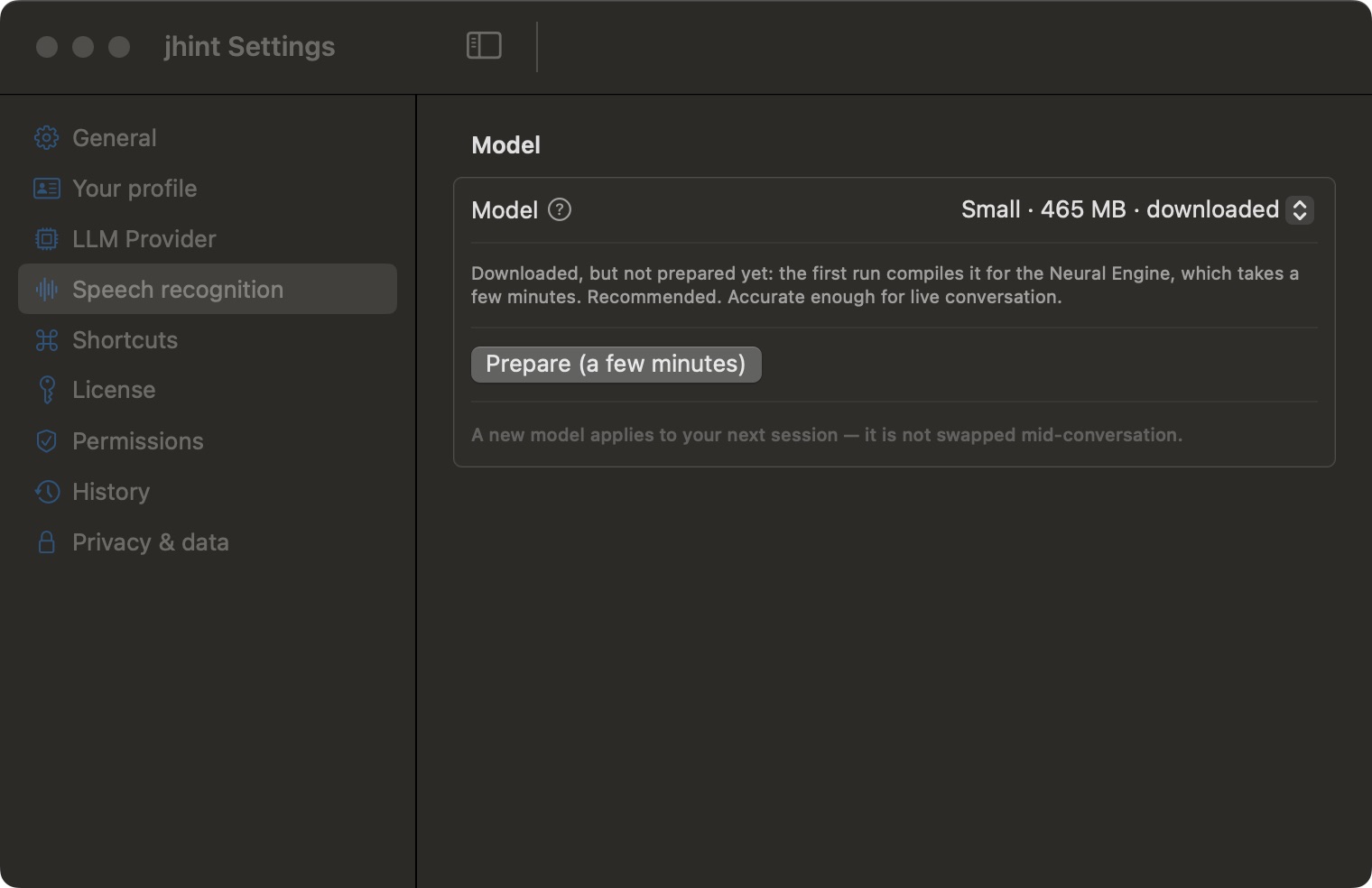
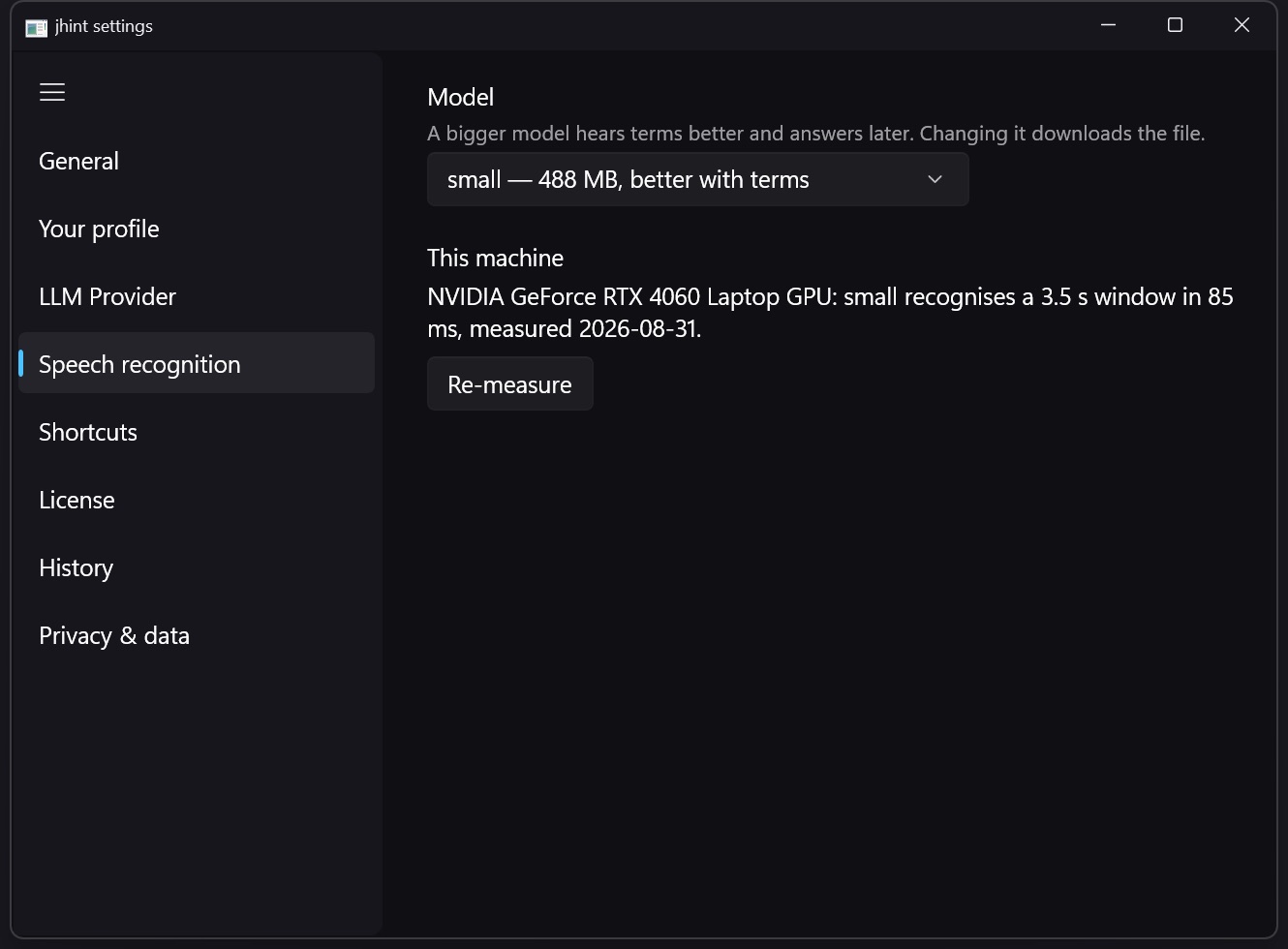
Model
Bigger models are more accurate and slower to start. Small is the default and is accurate enough for a live conversation; the larger ones make sense if you routinely work in a second language or over poor audio.
The row says the size and the state: downloaded, not downloaded, or prepared.
Prepare now
The first run of a model prepares it for your hardware, which takes a few minutes and happens once. Prepare now gets it out of the way before a call instead of at the start of one.
A new model applies to your next session — it is not swapped mid-conversation.
When words come out wrong
Name the language in the New session dialog instead of leaving it on Auto: that alone fixes most mishearing. Quiet or distant speech is the other common cause — jhint hears what your computer plays, so the call’s own volume matters.