Session history
Reading, exporting and deleting conversations — and why nothing is kept by default.
By default jhint keeps nothing. Audio is never written to disk, and the transcript disappears when the session ends. History exists for people who need to come back to what was said.
Turning it on
Settings → Privacy & data → Store transcript. From then on, each session is saved to this computer, encrypted with a key held in the secure storage of your operating system.
Stored conversations include what other people said. Give any notice and obtain any consent the law requires of you — the app makes this possible, the decision is yours.
Reading a conversation
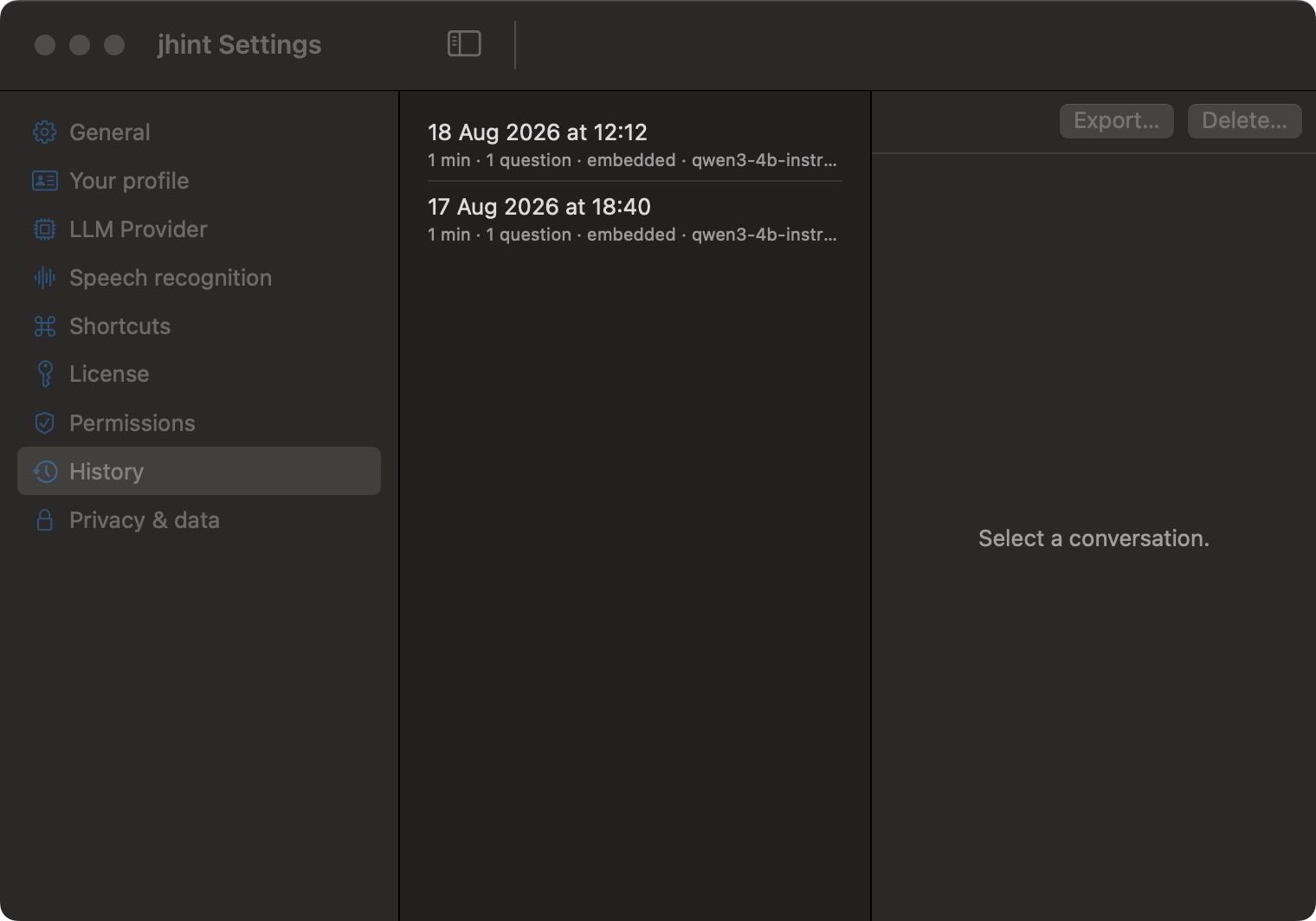
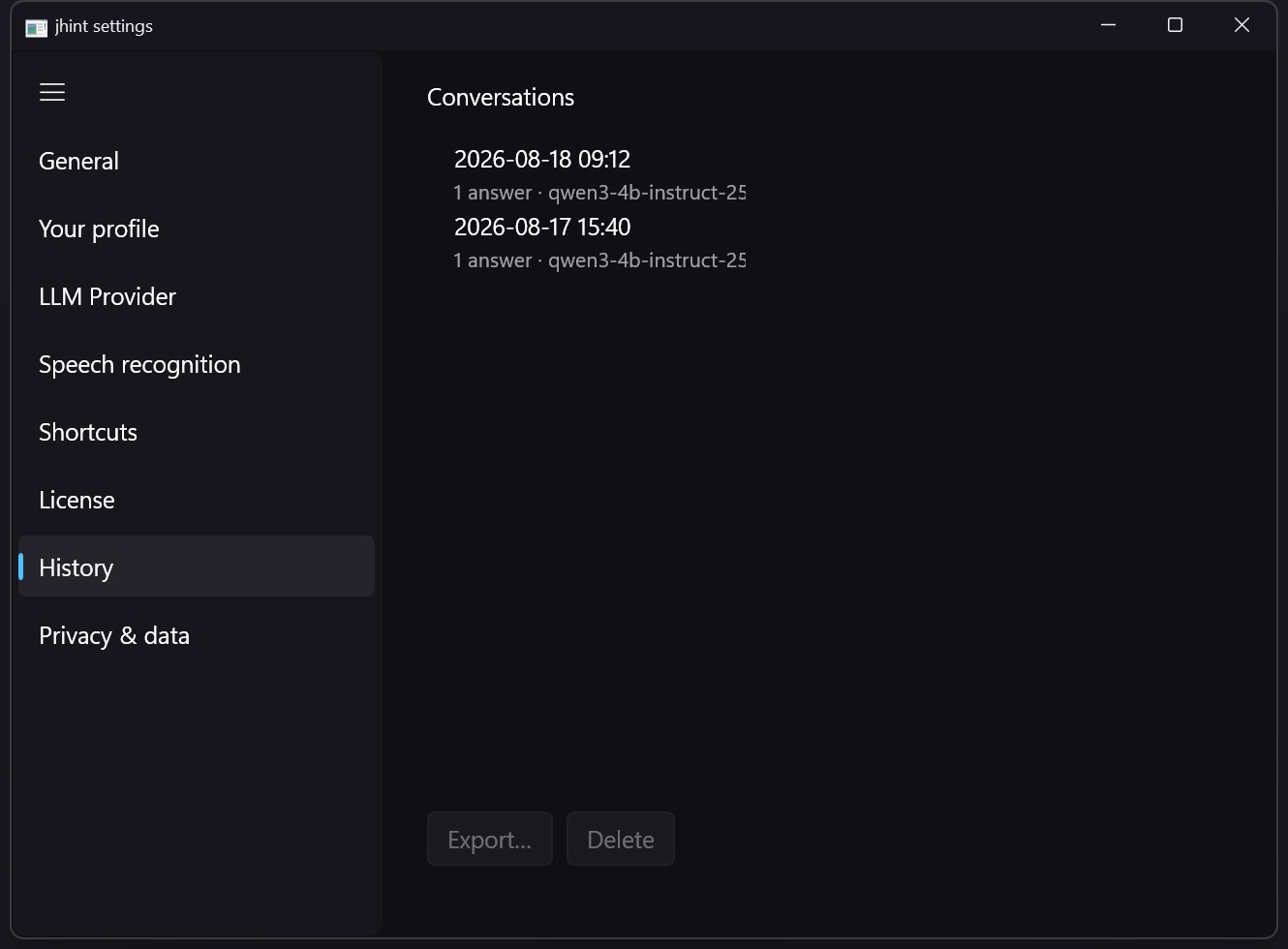
Settings → History lists what is stored: when the conversation happened, how long it ran, how many questions you asked, and what answered them. Select one to read the transcript and every question and answer in it.
Export and delete
Export… writes the conversation to a file you choose. Delete… removes it for good.
Keep data for on Privacy & data does this on a schedule — a day, a week, or until you delete it yourself. Conversations older than the period are removed when the app starts and when a session ends.
Erase all local data removes everything at once: stored sessions, transcripts, your profile and this computer’s licence slot.