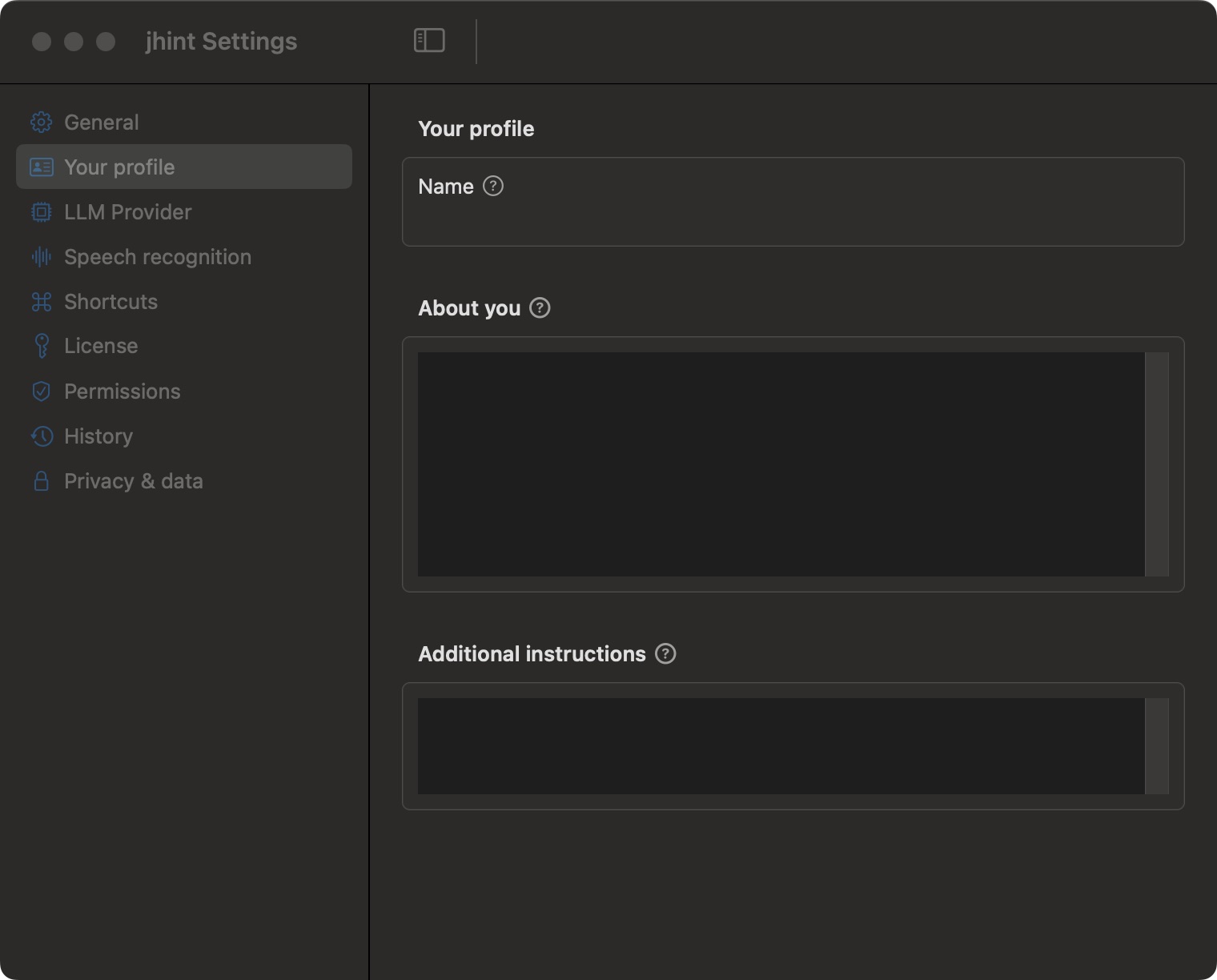
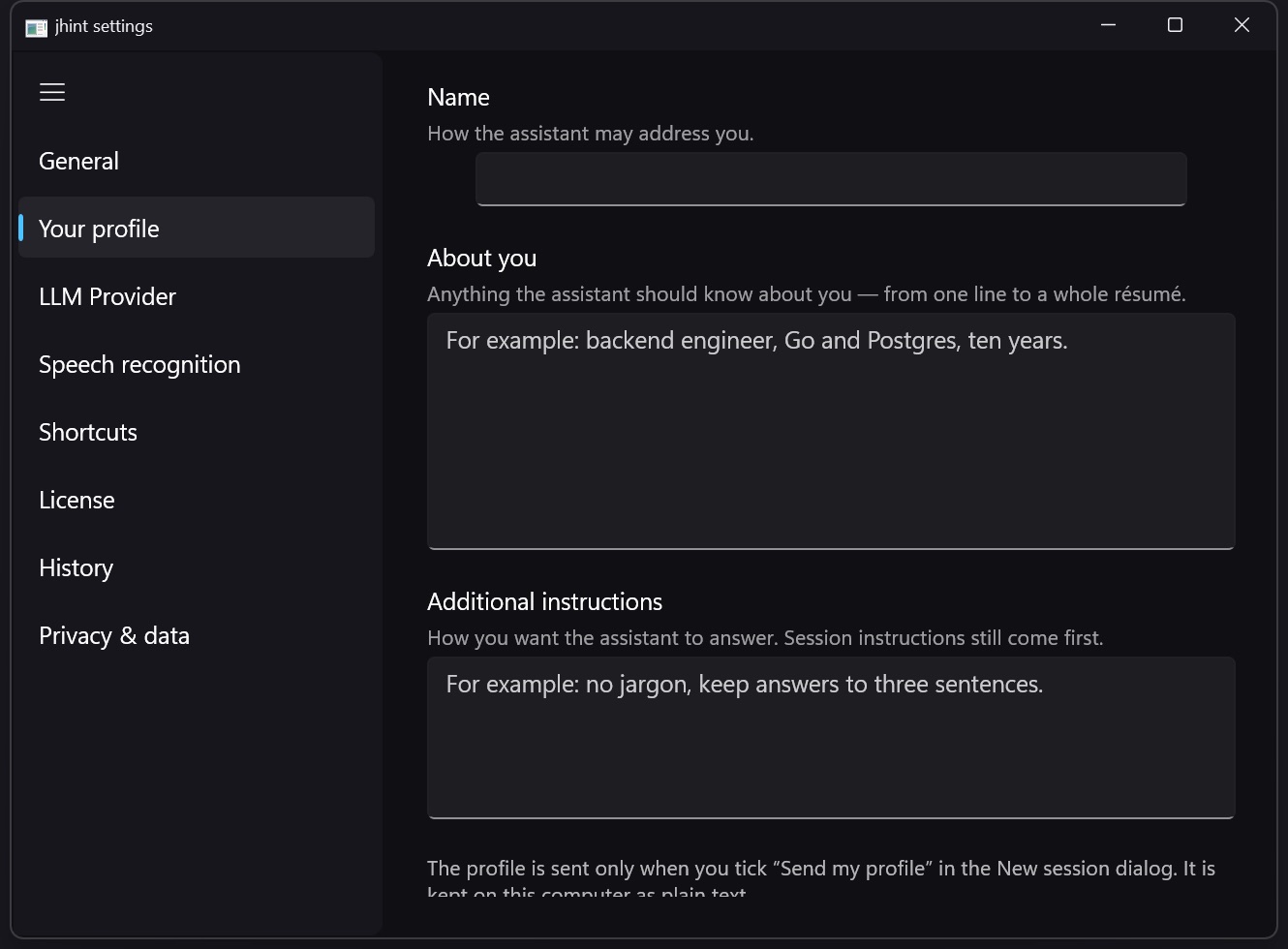
Your profile
Who you are and how you want to be answered — reused in every session.
The session instruction covers one conversation. The profile covers all of them.
Name
Used in answers when it helps them sound like something you can say out loud.
About you
Free text: your role, your company, what you sell, the product you support, the stack you work on. Two lines are enough to stop generic answers; a full résumé works too.
Additional instructions
How you want to be answered, every time. “Never state a fact that isn’t in the context.” “Prefer short answers.” “Use metric units.”
Where it goes
With the built-in model the profile is used on this computer, like everything else.
With an external provider it is sent only if you tick Send profile in the New session dialog — and it is off by default. See What leaves your computer.