General
How the conversation window looks, and the diagnostics line you'll be asked for.
Overlay
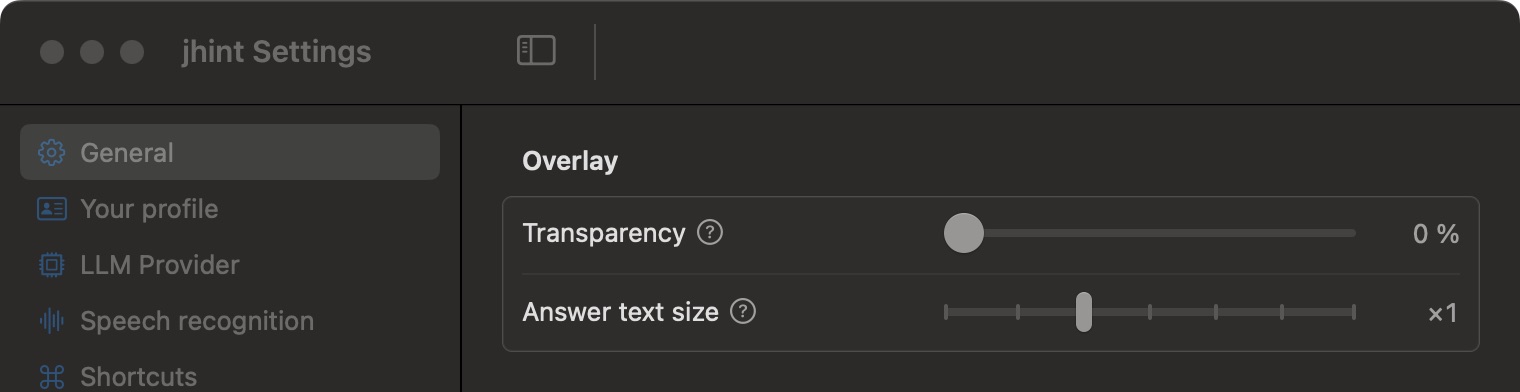
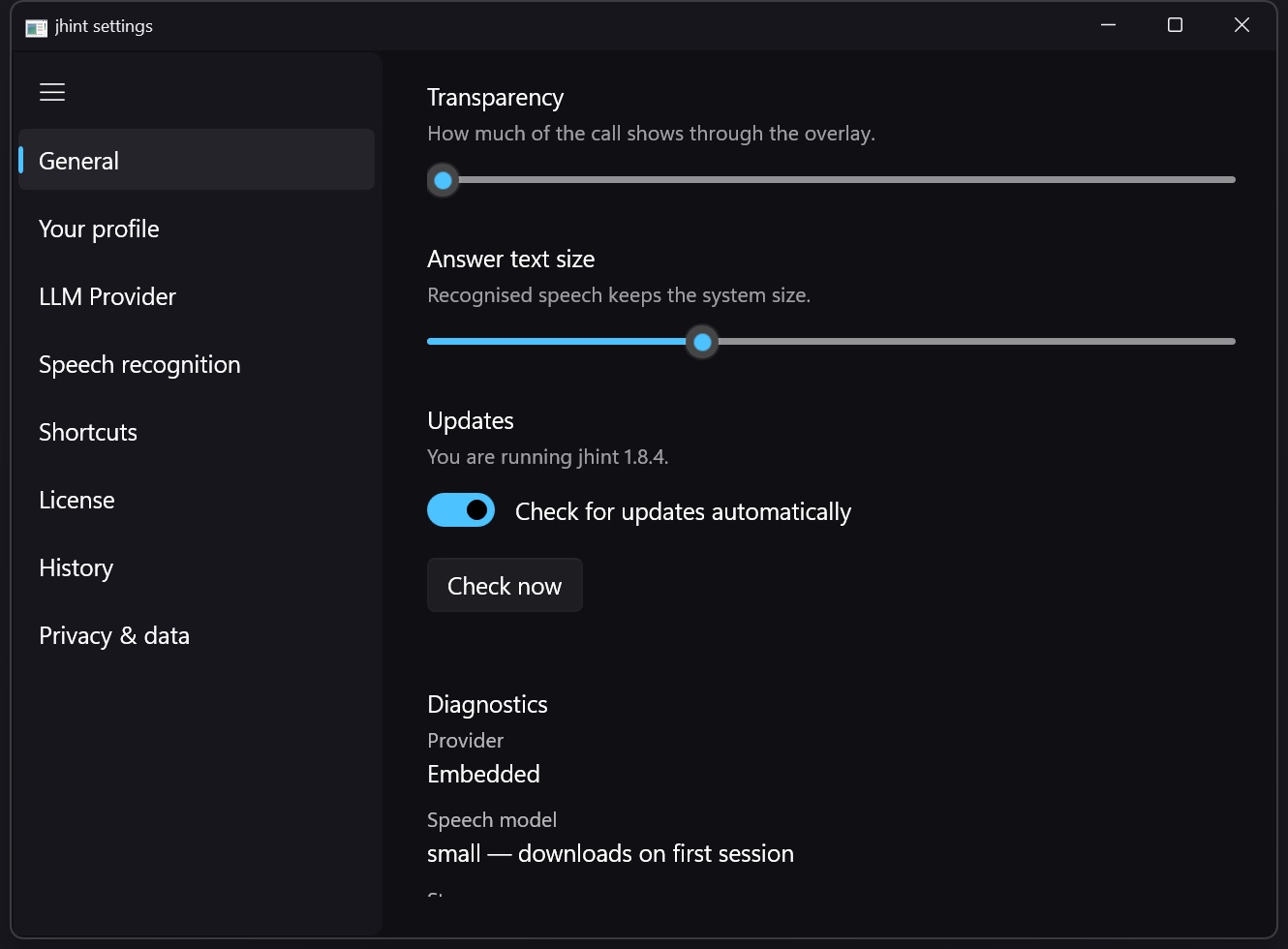
Transparency lets the call show through the window. On a small screen a slightly transparent window keeps the person you’re talking to visible behind it; at 0 % it is solid.
Answer text size scales the answer only. The point of a live assistant is that you can read the answer at a glance while looking at the camera — if you’re leaning in, make it bigger.
Diagnostics
Below the overlay settings, the same tab reports what jhint sees about itself: the version, which permissions are granted, which provider and model are selected, the state of the speech model, and where data is stored on disk.
That block is what support will ask you to read out, and it is also the fastest way to answer “why isn’t it hearing anything” yourself — see Troubleshooting.
Two buttons live in the same block: Check for Updates… asks now instead of waiting for the automatic check, and Open Source Licences lists the components jhint is built from.