How jhint answers
The built-in model, your own provider, or a model you run yourself — and what changes between them.
Recognition of speech always happens on your computer. What differs is where the answer is computed.
The built-in model
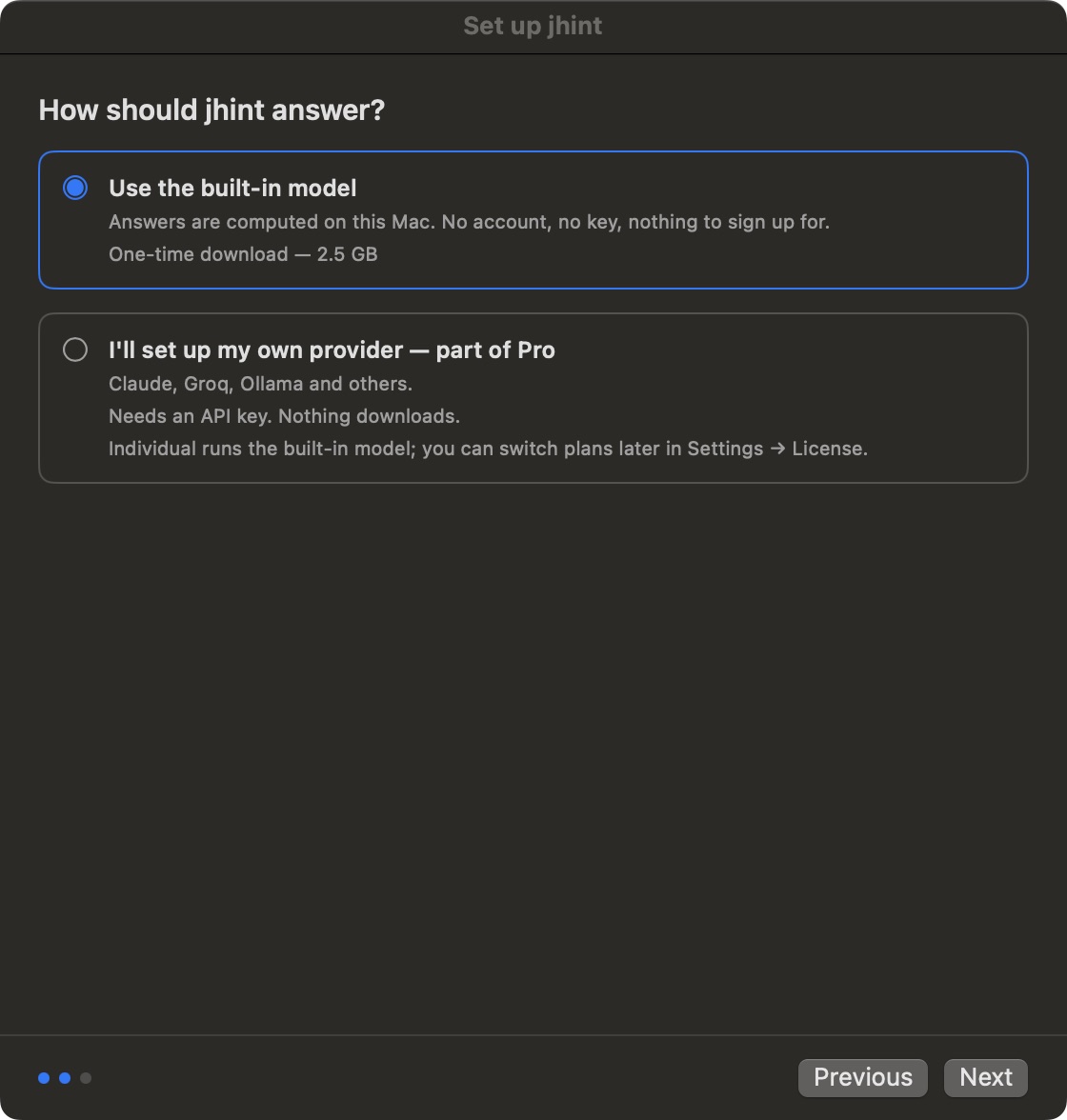
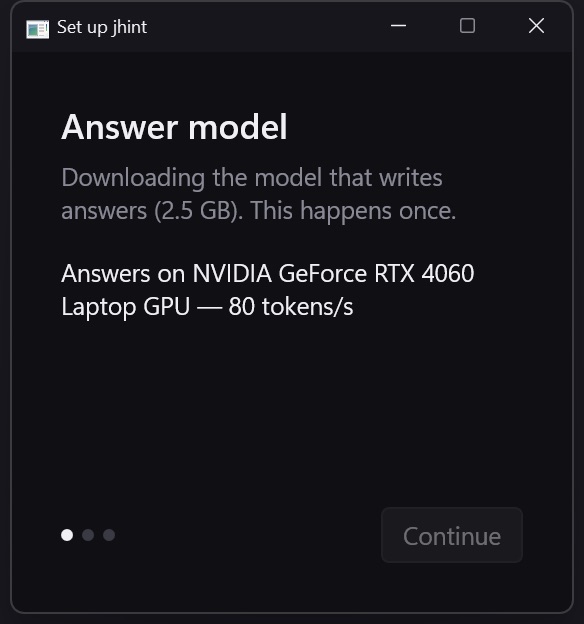
jhint ships with an engine and a small catalogue of models that run on this computer. Nothing is sent to a model provider, because there is no provider: the answer is computed locally by the app itself.
| Model | Download | Memory while running | Reads screenshots |
|---|---|---|---|
| Qwen3 4B | 2.5 GB | ~4 GB | no |
| Qwen3 8B | 5.0 GB | ~7.5 GB | no |
| Qwen3 VL 4B | 3.3 GB | ~5.5 GB | yes |
All three are published under Apache-2.0. Sizes, memory and licence are shown in Settings before anything downloads, and a model you no longer want can be deleted there.
The recommended model is the 4B one: on a live call the difference that matters is how fast an answer arrives, not the last few points of quality.
Your own provider (Pro)
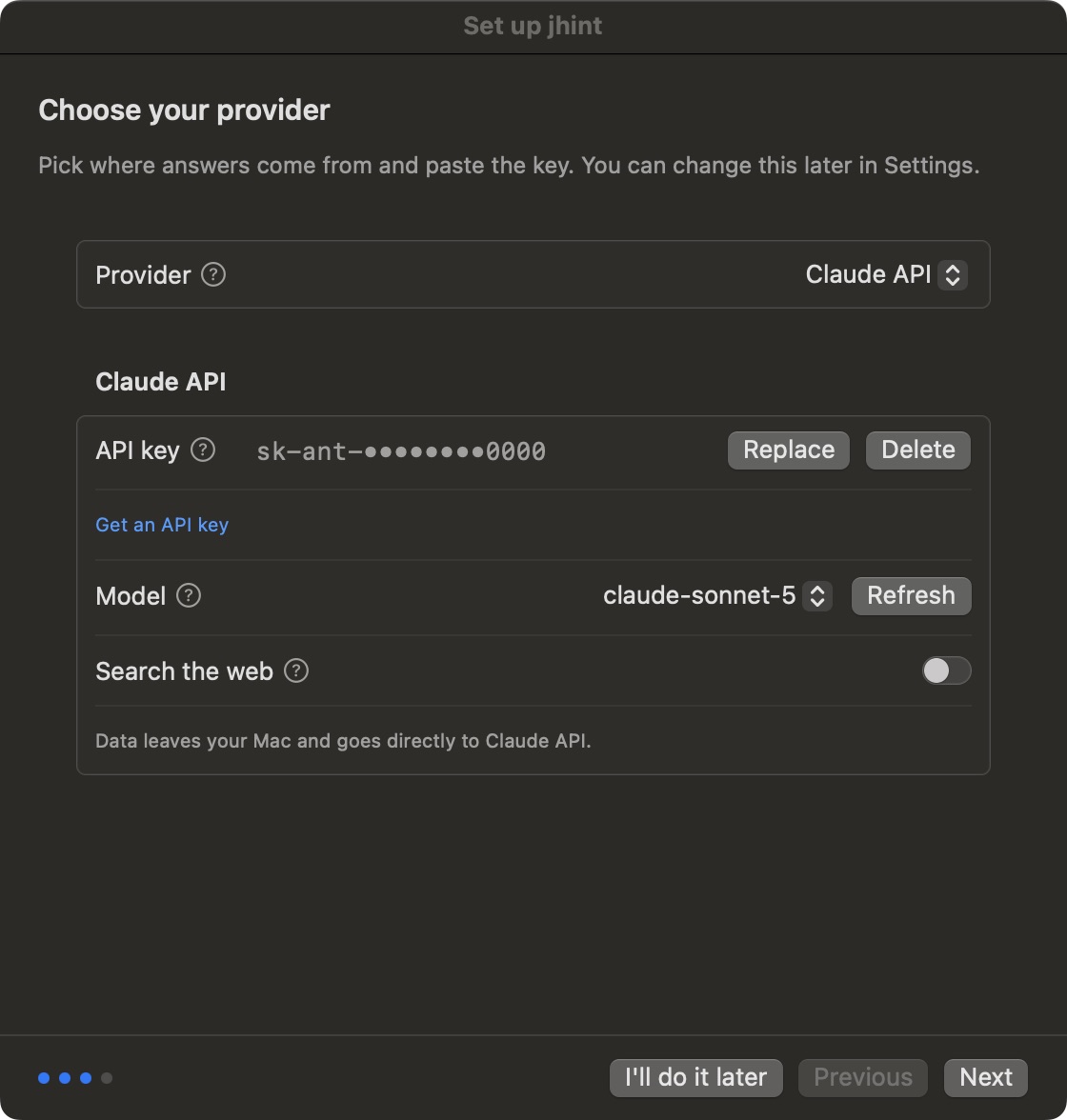
The setup window on Windows doesn’t ask about providers at all — it is three steps long and goes straight to downloading. You choose a provider afterwards, in Settings → LLM provider; that page shows the screen you will actually see.
Everything in this section is part of Pro. Individual runs the built-in model and only it — the step above doesn’t even appear during setup on that plan. You can move between plans at any time in Settings → License → Change plan; Plans lists what each one includes.
If you already pay for Claude, ChatGPT, Gemini, Groq or OpenRouter, jhint can use your key instead. Answers then come from that provider, over their network, under their terms — and what jhint sends is described on What leaves your computer.
Keys live in the secure storage of your operating system, never in a settings file, and never on our servers.
A model you run yourself
Ollama and LM Studio expose an OpenAI-compatible endpoint on your own machine or network. Pick that provider, point jhint at the address, and answers stay inside your network without using the built-in engine.
Changing your mind
The choice is not final. Settings → LLM Provider switches between all of them, and the new choice applies to the next session — a conversation in progress is never swapped under you.