History
Stored conversations — reading, exporting, deleting.
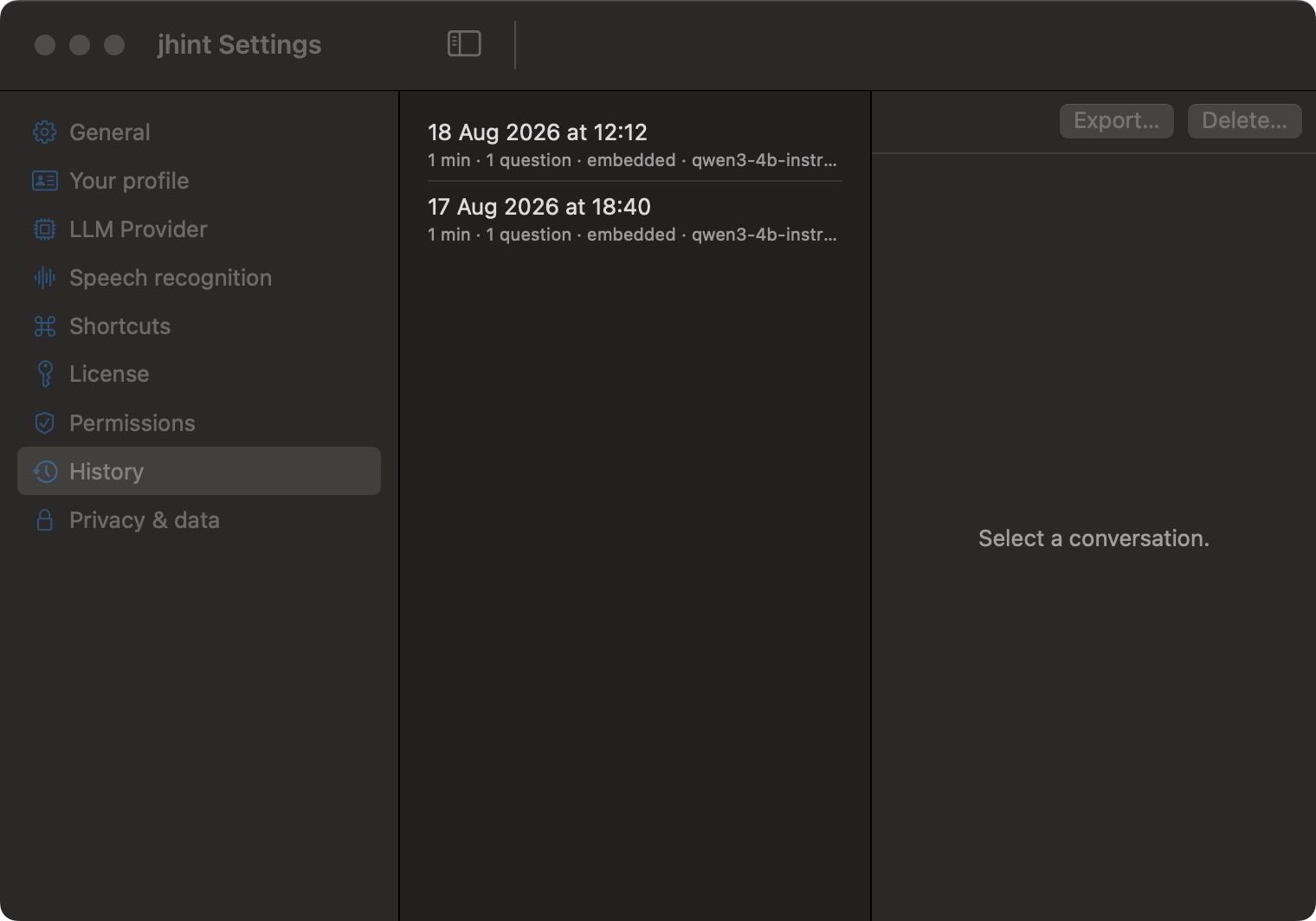
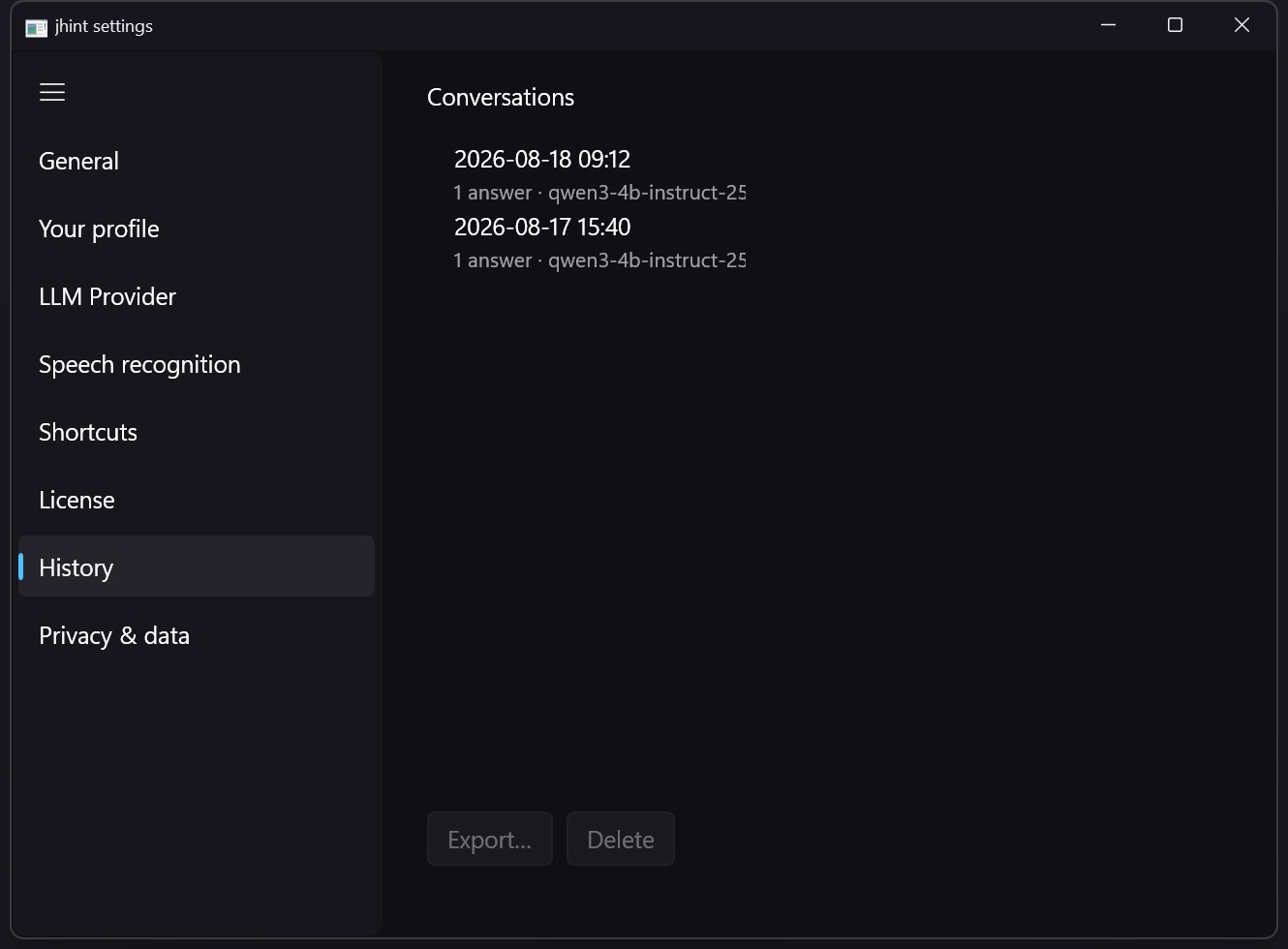
The tab is empty until Store transcript is turned on in Privacy & data — jhint keeps nothing by default.
Each row is one conversation: when it happened, how long it ran, how many questions you asked, and which provider and model answered them. Select one to read the transcript together with every question and answer.
Export… saves it to a file. Delete… removes it permanently.
Files are encrypted on disk with a key stored in protected credential storage provided by your operating system — Apple Keychain on macOS, Windows Credential Manager on Windows, so another account on the same computer cannot read them. More on what is kept and for how long: Session history.