Shortcuts
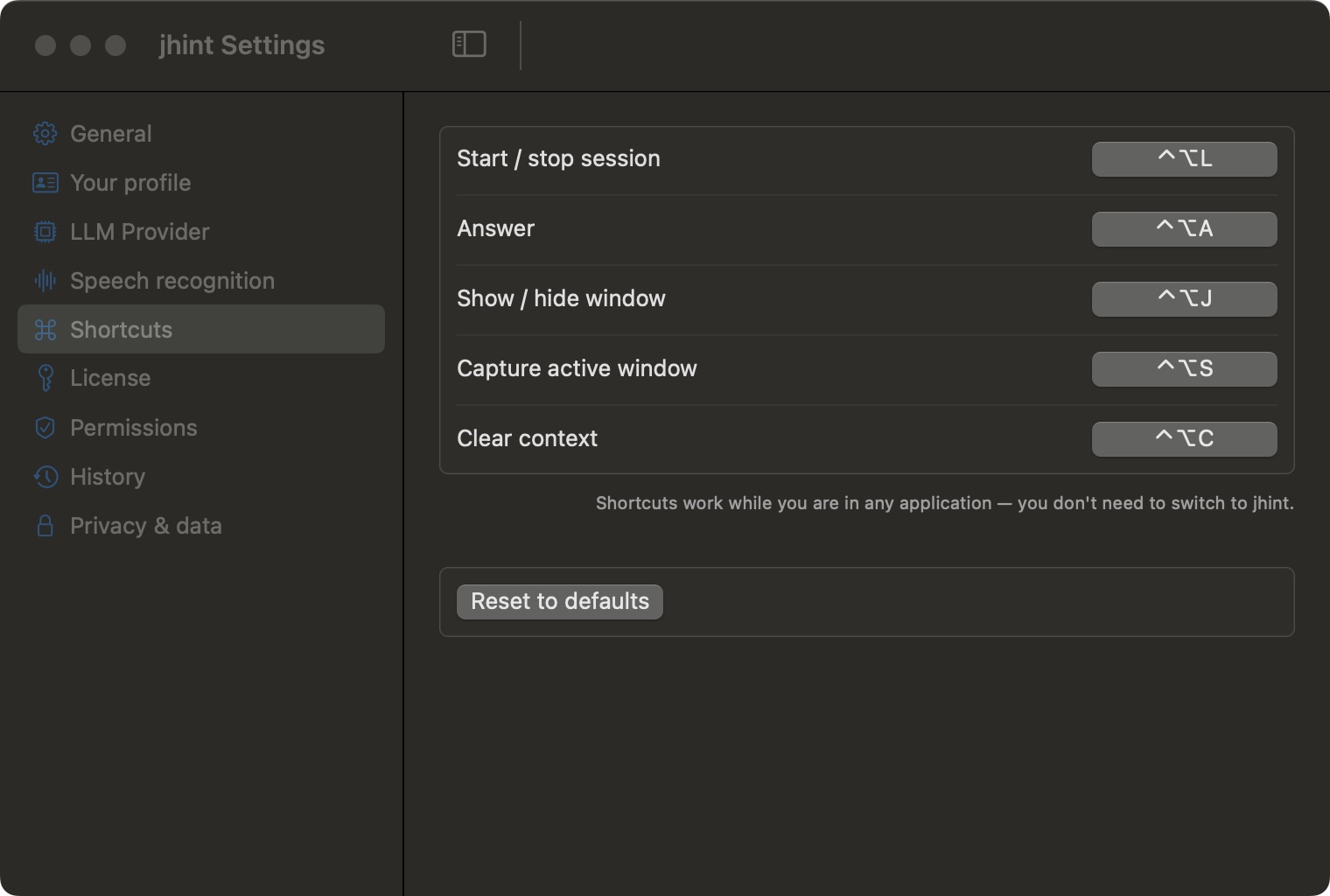
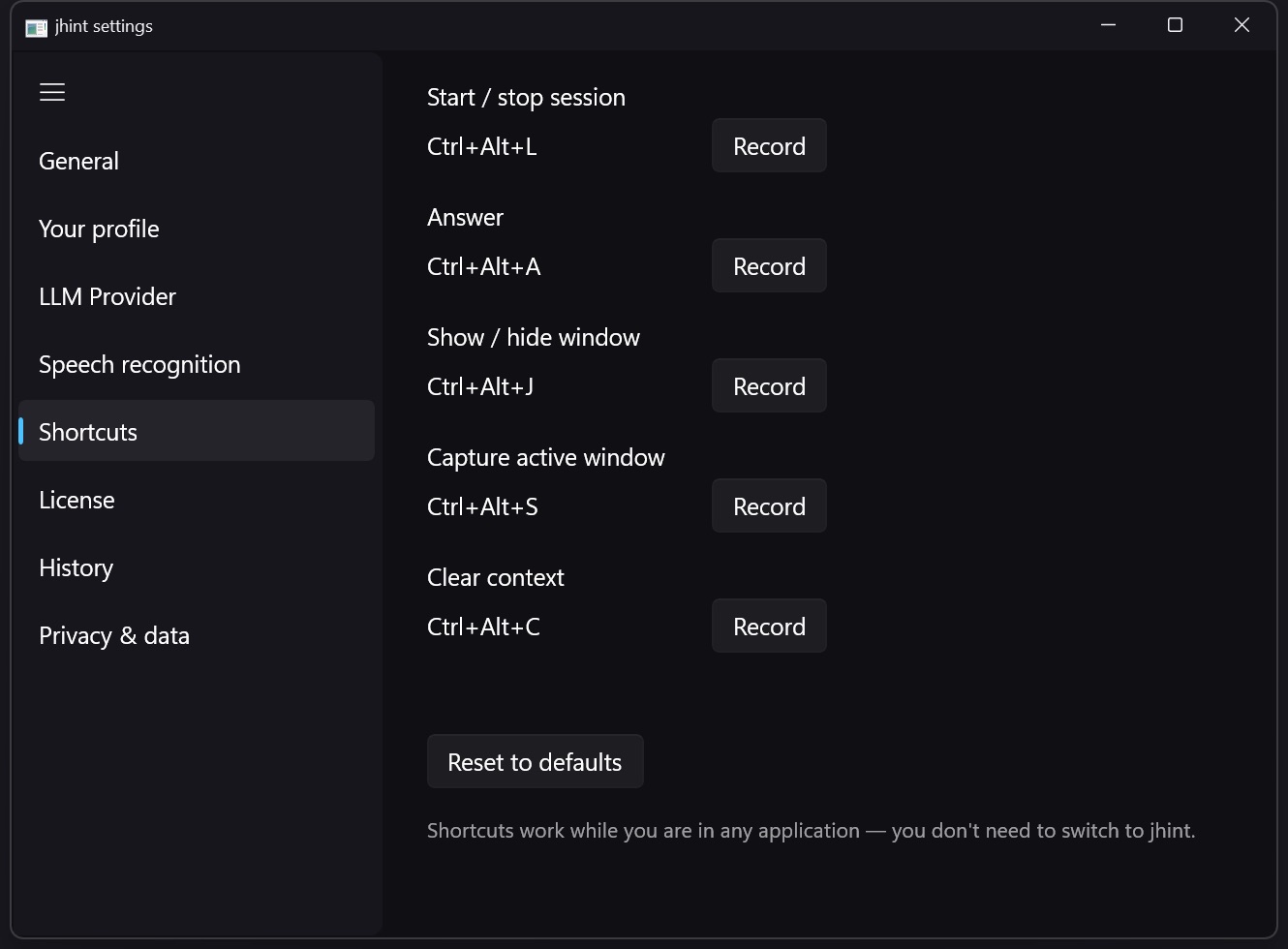
Five global shortcuts that work without switching to jhint.
| Shortcut | Default (macOS) | Default (Windows) | What it does |
|---|---|---|---|
| Start / stop session | ⌃⌥L | Ctrl+Alt+L | Opens the New session dialog, or ends the session |
| Answer | ⌃⌥A | Ctrl+Alt+A | Sends the current question |
| Show / hide window | ⌃⌥J | Ctrl+Alt+J | Hides the conversation window without ending the session |
| Capture active window | ⌃⌥S | Ctrl+Alt+S | Attaches a screenshot of the window in front |
| Clear context | ⌃⌥C | Ctrl+Alt+C | Forgets what was said so far in this session |
They work while you are in any application — that is the point. During a call your hands are in Zoom or in a document, and switching to jhint to press a button would cost more than the answer is worth.
Click a shortcut to record a new combination, or Reset to defaults to undo your changes. If a combination doesn’t take, another application has claimed it system-wide.