The conversation window
What the window shows while a call runs, and what each button does.
The window floats above your call and never takes focus away from it: you can keep typing in Zoom, Teams or a browser while it is open. Drag it anywhere; ⌃⌥J (Ctrl+Alt+J on Windows) hides and shows it.
Waiting
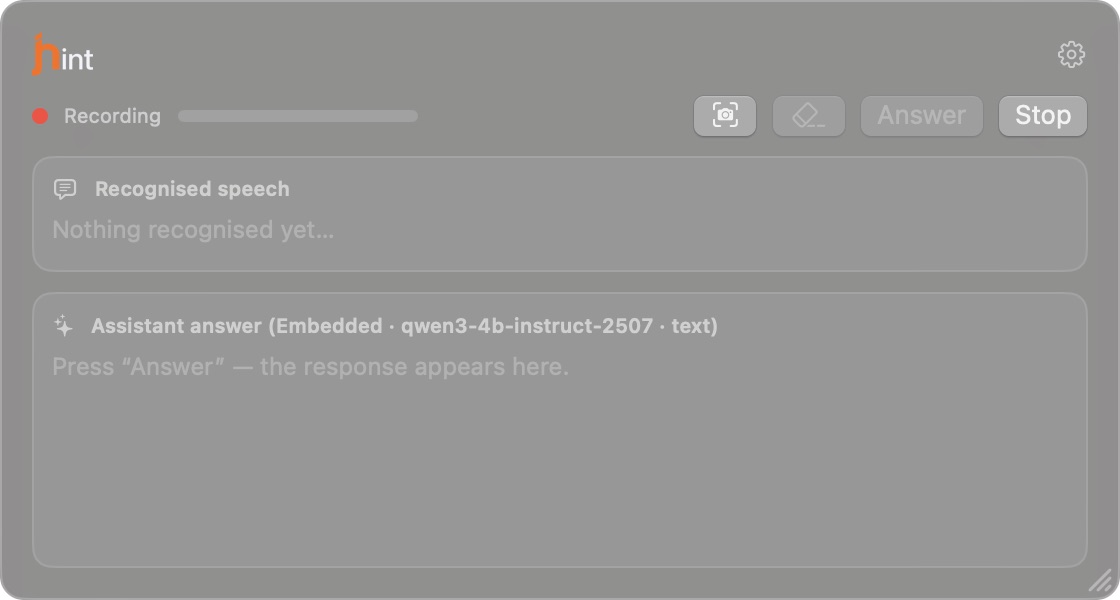
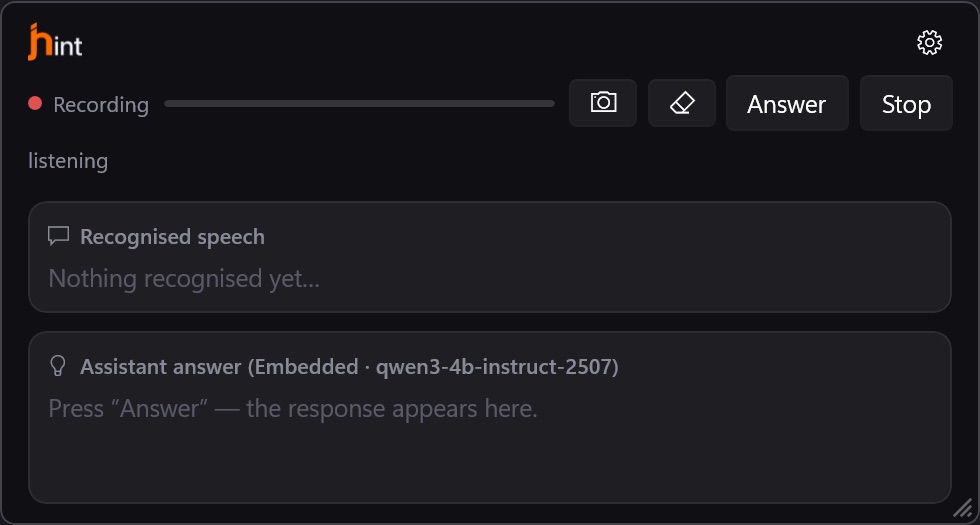
Recording means jhint hears the call. The line under the header is the level meter — if it stays flat while people are talking, the sound isn’t reaching the app; see Troubleshooting.
The answer panel names what will answer: the provider and the model, and whether that model reads screenshots.
While people speak
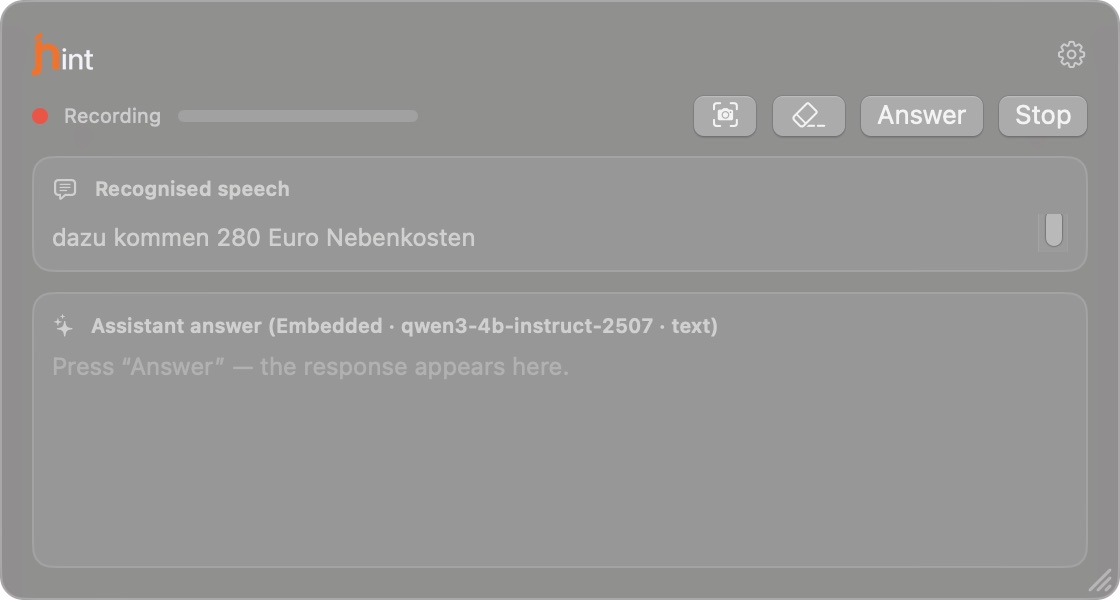
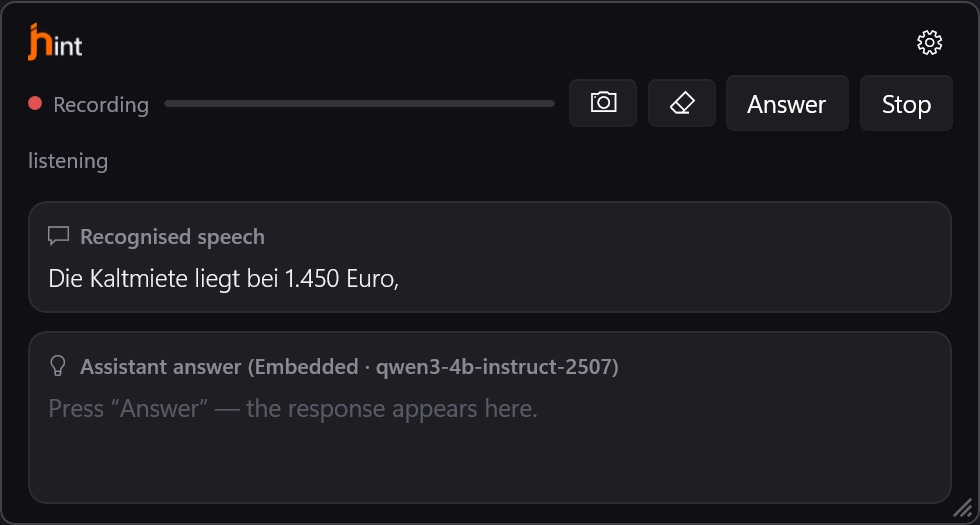
Recognised sentences appear as they are finished. The grey line at the bottom is the phrase being spoken right now — it changes as the sentence lands and turns solid when it is done.
When you ask
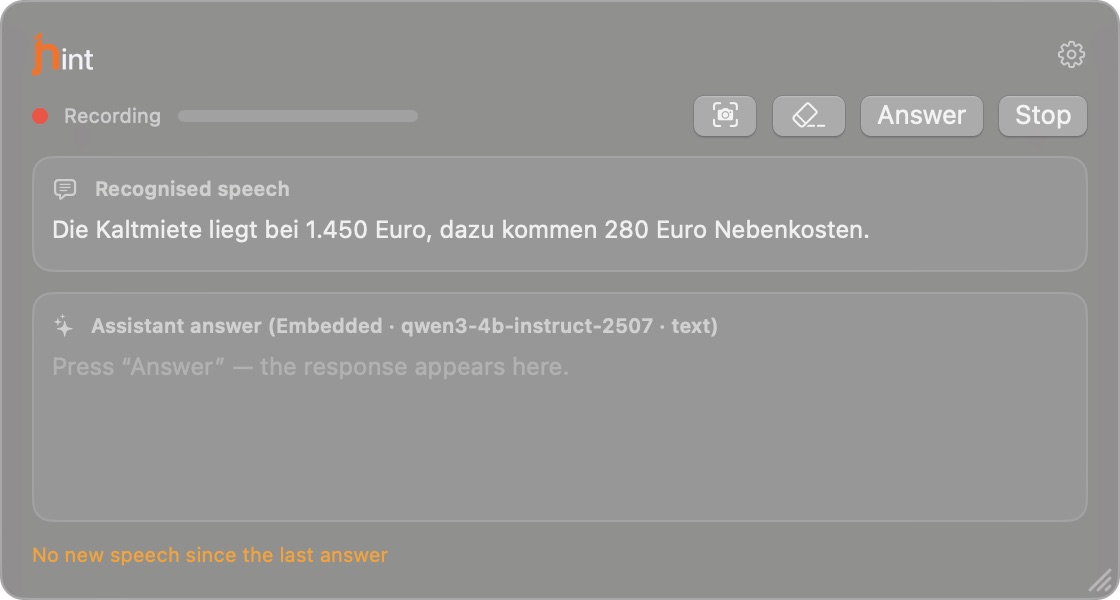
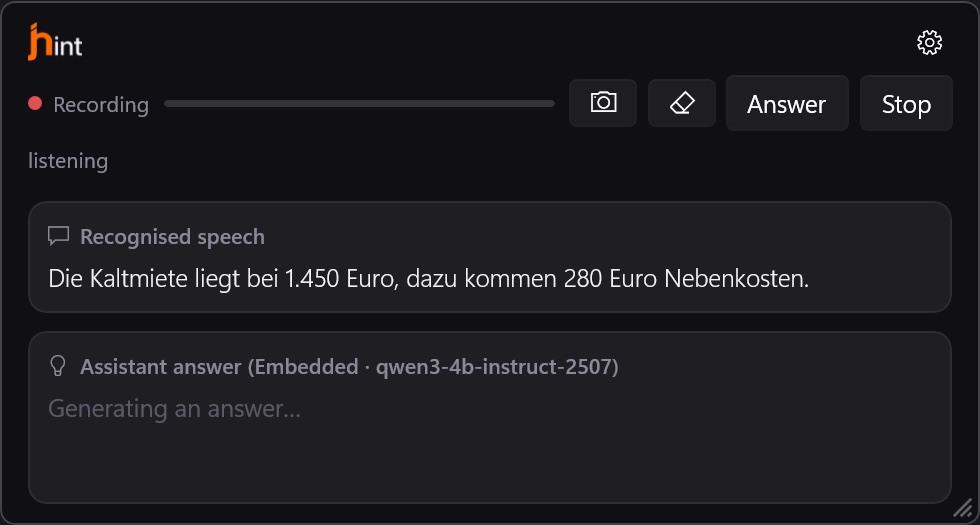
Press Answer (⌃⌥A, Ctrl+Alt+A on Windows) and the question — that part of the conversation, not the whole call — goes to the model. Nothing is sent between the moments you ask: there is no stream of automatic suggestions.
Stop cancels an answer in progress. On a live call an answer that arrived too late is worse than no answer.
The answer
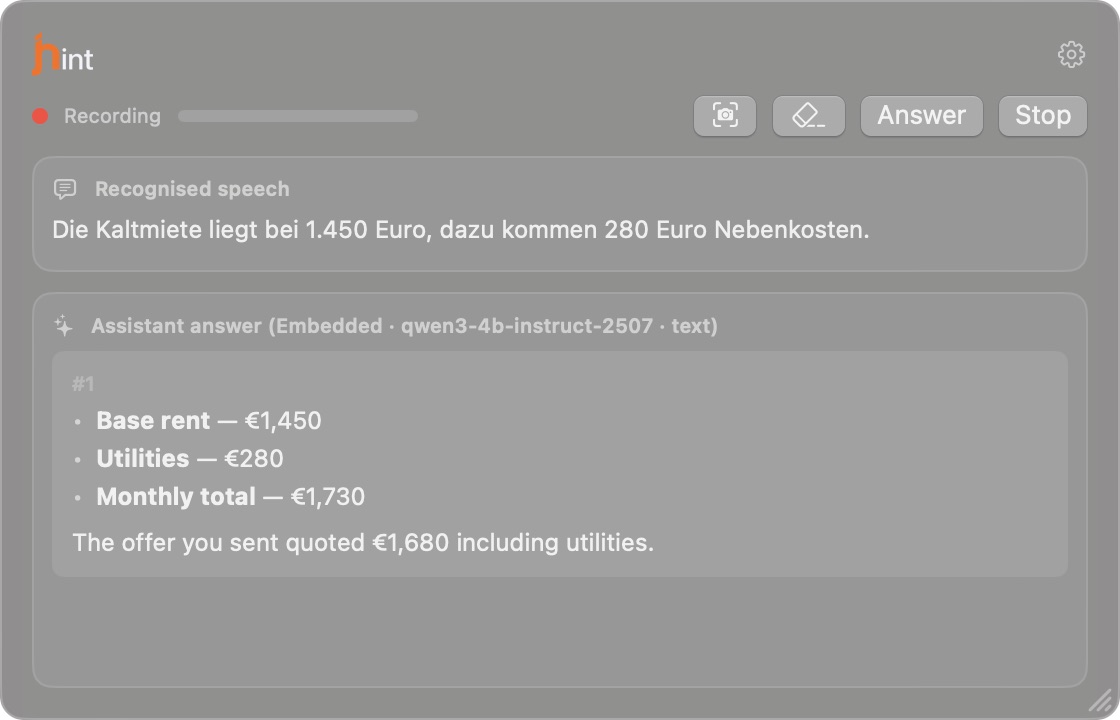
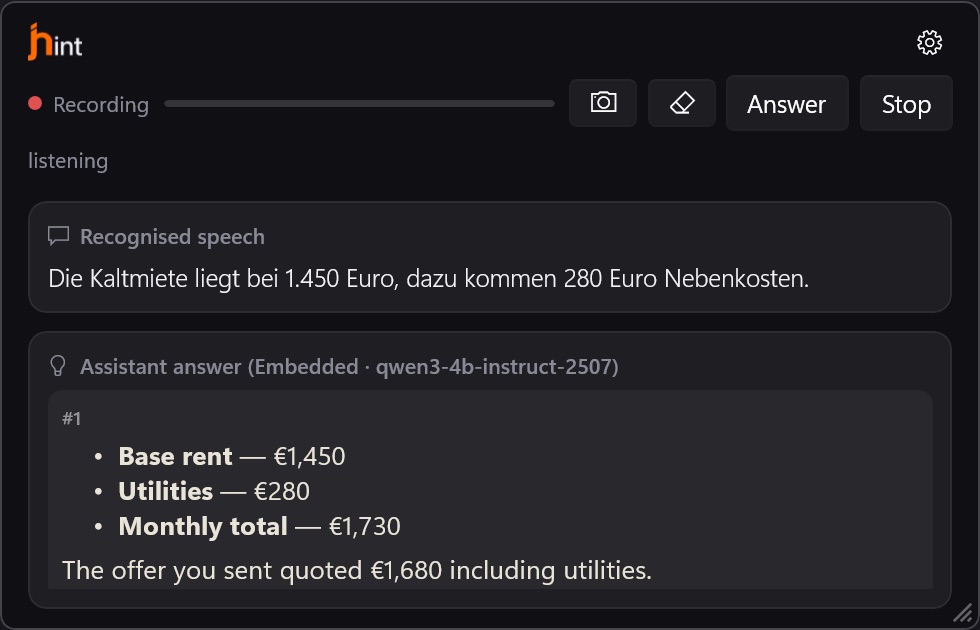
Answers are numbered and stack up: the newest is at the bottom, older ones stay above. Formatting comes through — lists and bold text survive, because a figure you have to say out loud is easier to find in a list than in a paragraph.
A globe and searched the web under an answer mean the built-in model looked something up while composing it — see Web search.
The buttons
| Button | macOS | Windows | What it does |
|---|---|---|---|
| Answer | ⌃⌥A | Ctrl+Alt+A | Sends the current question |
| Stop | — | — | Cancels the answer being generated |
| Capture window | ⌃⌥S | Ctrl+Alt+S | Attaches a screenshot of the active window |
| Clear context | ⌃⌥C | Ctrl+Alt+C | Forgets what was said so far in this session |
| Show / hide | ⌃⌥J | Ctrl+Alt+J | Hides the window without ending the session |
Clear context is for the moment a call changes subject: the previous half hour stops influencing the next answer.