Privacy & data
What is stored, for how long, and how to erase all of it.
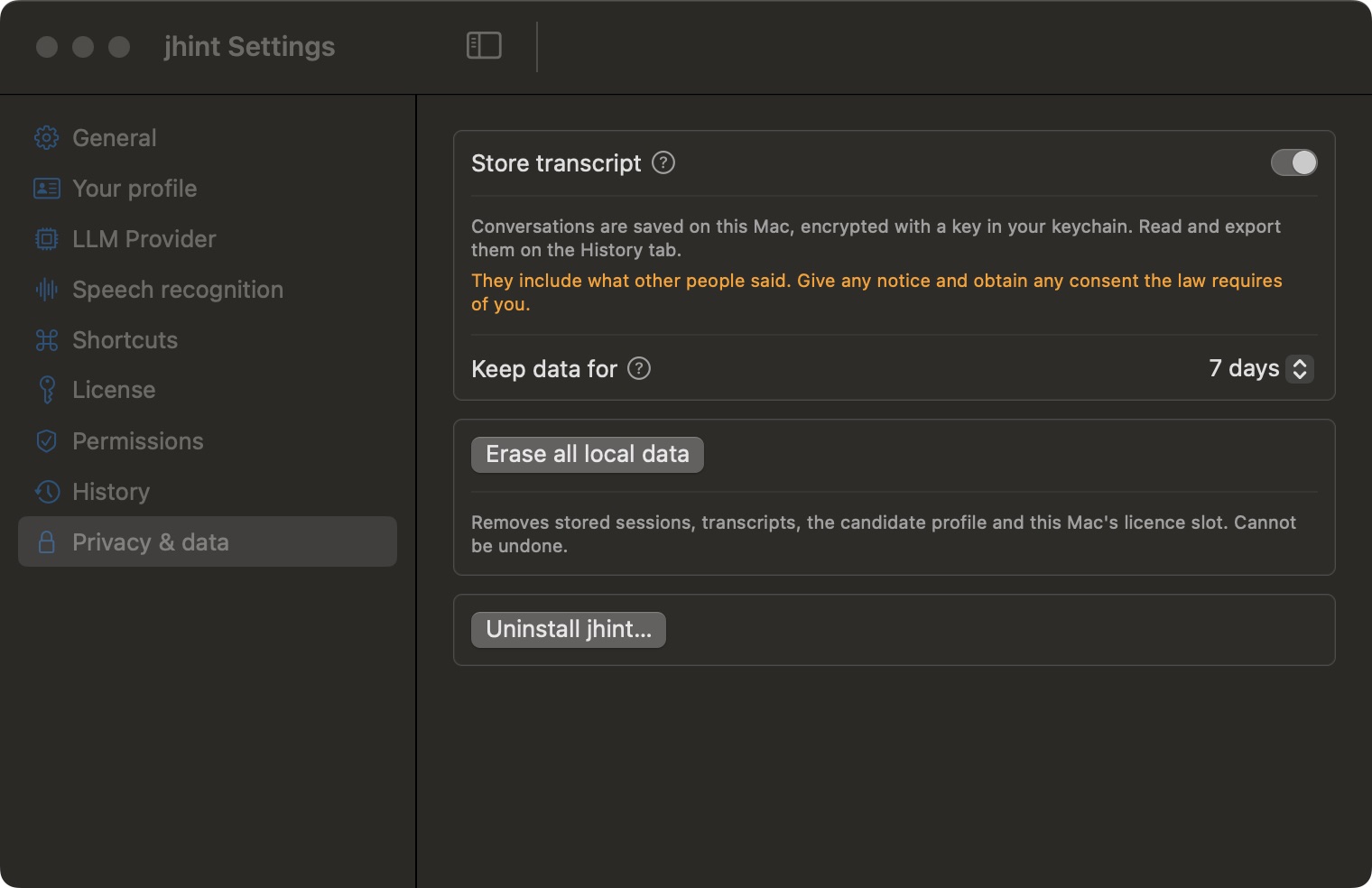
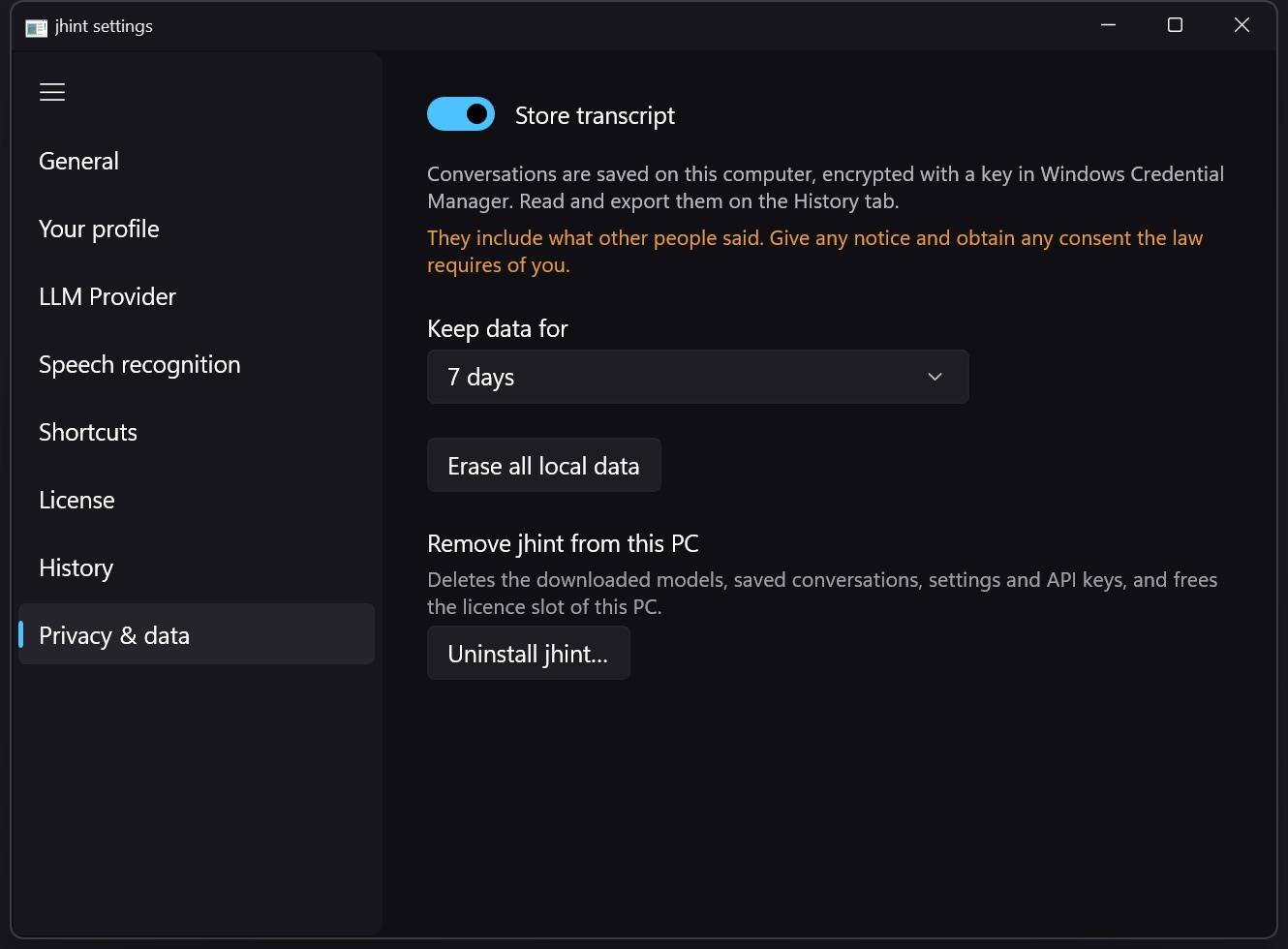
Store transcript
Off by default. On, each session is saved to this computer, encrypted with a key in the secure storage of your operating system, and appears on the History tab.
Stored conversations contain what other people said. Give any notice and obtain any consent the law requires of you.
Stenograms made from a stored conversation
A stored conversation can be turned into a readable document by a language model — the Stenogram view on History. It is built only when you ask for it, and it is stored next to the raw conversation, under the same encryption and the same Keep data for period.
Building one sends the whole conversation, including what other people said, to the model chosen in Settings → LLM Provider → Stenograms. With the built-in model that happens on this computer. With an external provider the app names it and asks before anything is sent, and that provider then handles it under their own terms.
Keep data for
A day, a week, or until you delete it yourself. Conversations past the period are removed when jhint starts and after each session — the setting deletes, it doesn’t merely stop showing.
Erase all local data
Removes stored sessions and transcripts, the profile, and this computer’s licence slot. It cannot be undone, and it frees the slot for another computer.
Uninstall jhint…
Removes the app together with everything it wrote: settings, models, stored conversations, stored credentials and the licence slot. See Updating and uninstalling.
What is never stored
Audio. It is processed as it plays and never written to disk — in any configuration, whichever model answers.